
How to Order With APS
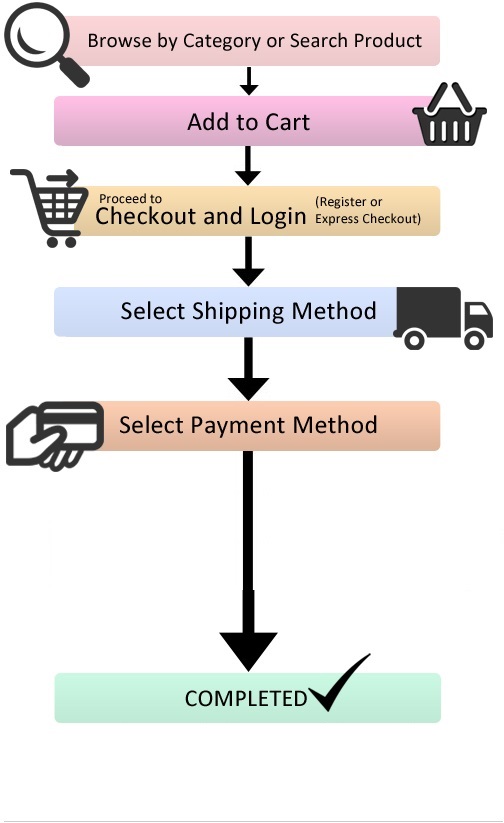
Every day, we work hard to make it as simple as possible for our clients to place orders quickly and easily, regardless of the device they use. A step-by-step guide to placing an order with us may be found below.
1. The first step is to locate the product you wish to purchase. Find the product you’re looking for by browsing the many products that display when you click or tap the shop page, or by typing it into the search bar in the top left-hand corner of the shop page.
2. Secondly, choose the product quantity you want to order, such as 1kit, 2kits, 5kits, etc., and add it to your basket (Cart), then scroll down and click the ” Proceed To Checkout ” button.
3. You will now be directed to the checkout page, where you must provide your billing address.
4. After you’ve entered your postal and/or billing addresses, scroll down to the bottom of the page and choose your preferred payment option (We only accept anonymous payment options like Crypto currencies), then click the ” Place Order ” button in the bottom right corner.
5. After placing order, you will be redirected to Plisio where you can select the cryptocurrency to pay with. Send the equivalent amount to cover your order total. Your order has now been successfully submitted, and you will get payment confirmation. Please note that the order will not be shipped until payment has been received.